



11-14-2026, 02:10 PM
CyberPanel MailScanner on Ubuntu 24.04: It Held All Our Incoming Mail (Test and Rollback)
CyberPanel has a free one-click MailScanner installer (spam and virus scanning for email, with the MailWatch web interface). We tested it on a CyberPanel 3.0.8 server with Ubuntu 24.04. The panel said MailScanner is installed, but after that every incoming message got stuck in a queue and never reached the mailbox. Here's what we saw, how to check your own server, and how we got mail flowing again.
This is a test report from one server. If it works for you on another system, please tell us below.
What the installer does
Go to Email → MailScanner (or
) and click Install Now.
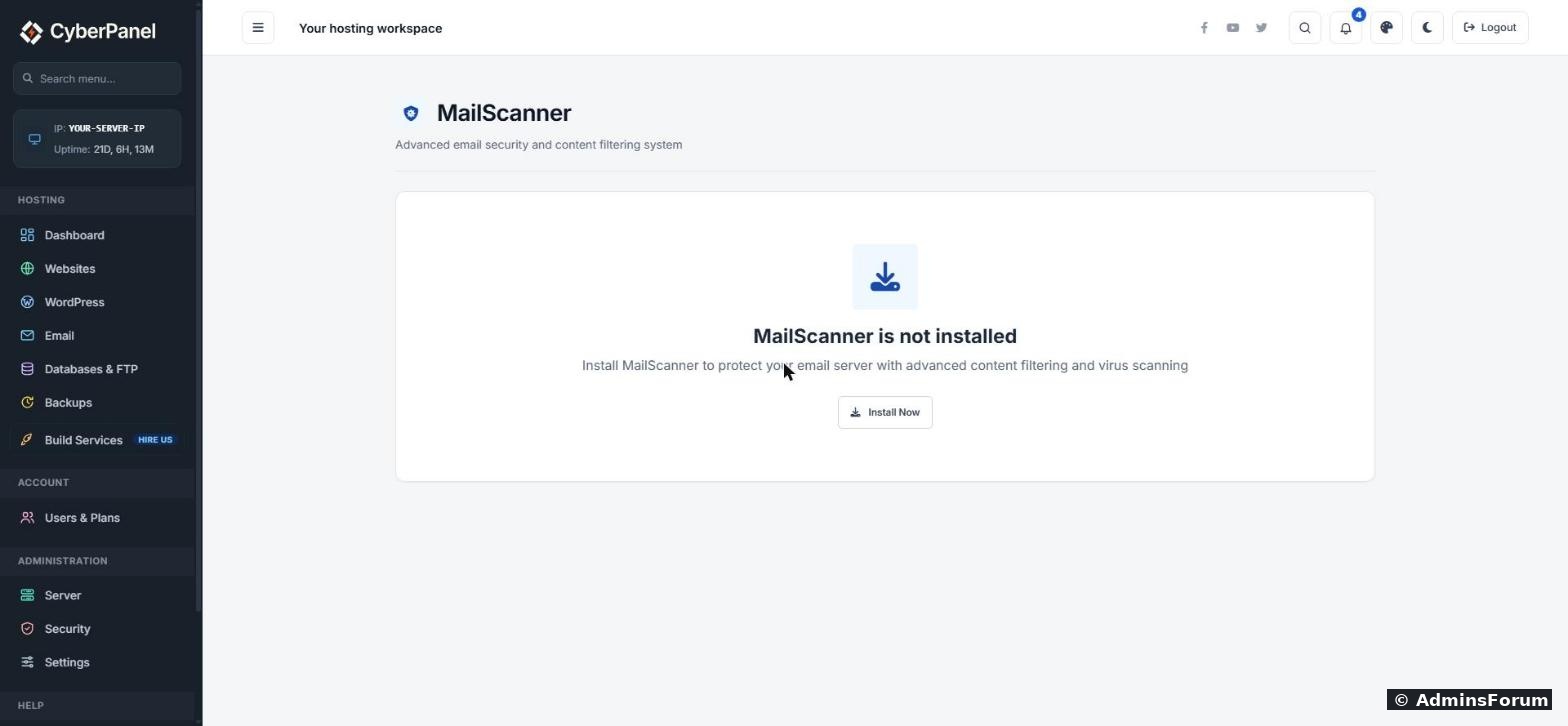
The install took a few minutes. From the log on the page:
Copy that password straight away. A moment later the page reloaded by itself, the log was gone, and all that was left was this:
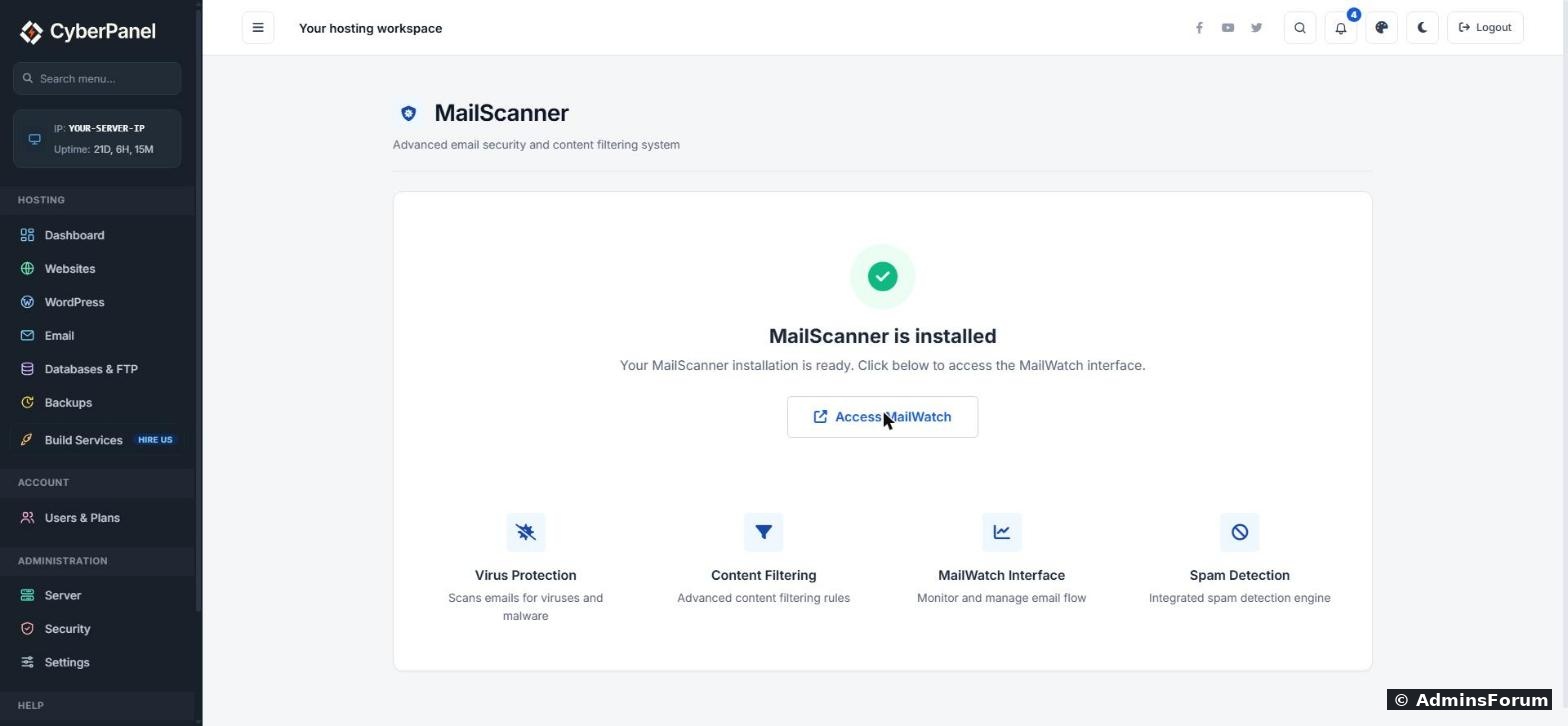
What went wrong: mail stuck "on hold"
MailScanner works by telling Postfix (the mail server) to put every new message on hold. MailScanner then picks the message up, scans it and passes it on. The installer set that up. We found this line in
:
We then sent three test messages to a mailbox on the server (a normal one, a spam test and a virus test). None arrived. A minute later all three were still waiting:
Messages on hold have a ! after their ID:
The MailScanner service was running (its processes said waiting for messages), but it never took the messages. Restarting it didn't help. Its log (
) showed errors on every start:
The same error appeared for
and
. MailScanner's own self-test (
) added a second problem: it listed no virus scanner at all (Found these virus scanners installed: followed by nothing).
We tried the obvious fix, installing the missing Perl module with
. On our server apt answered that the package has no installation candidate. We stopped there. We can't say for sure which of these problems kept the mail on hold, only that on this server the one-click install didn't produce a working scanner, and that all incoming mail was held while it was installed.
Check your own server
If you installed MailScanner and mail seems to have stopped, run:
That counts the messages on hold. If the number keeps growing and nothing reaches your mailboxes, you have the same problem. The mail isn't lost. It's waiting, and the steps below release it.
Rollback: remove MailScanner and release the mail
CyberPanel ships an uninstaller. Over SSH as root:
It stops and removes MailScanner, changes the hold rule in
to
, deletes the MailWatch files and restarts Postfix and Dovecot.
Messages that were already on hold stay there until you release them:
On our server this answered Released from hold: 3 messages. A few seconds later
said Mail queue is empty, and our test messages were in the mailbox.
After the rollback, Postfix, Dovecot and our existing SpamAssassin setup were all still running. The uninstaller doesn't put everything back, though. The ClamAV packages stay installed, and so does the package swap from the start (
instead of
).
What to use instead
For spam filtering, CyberPanel's free SpamAssassin installer worked for us on the same server, with one small fix. See our guide: CyberPanel SpamAssassin: Install It, Fix the Restart Bug, Send Spam to Junk. It doesn't scan for viruses, but it doesn't touch the mail queue either.
If you want to try MailScanner anyway:
Did MailScanner work for you on CyberPanel? Tell us your system (Ubuntu 22.04, AlmaLinux...) below, so others know where it's safe.
CyberPanel has a free one-click MailScanner installer (spam and virus scanning for email, with the MailWatch web interface). We tested it on a CyberPanel 3.0.8 server with Ubuntu 24.04. The panel said MailScanner is installed, but after that every incoming message got stuck in a queue and never reached the mailbox. Here's what we saw, how to check your own server, and how we got mail flowing again.
This is a test report from one server. If it works for you on another system, please tell us below.
What the installer does
Go to Email → MailScanner (or
Code:
https://YOUR-SERVER-IP:8090/emailPremium/MailScannerThe install took a few minutes. From the log on the page:
- It removed the packages
andCode:libmariadb-dev
and installedCode:libmariadb-dev-compat
instead.Code:libmysqlclient-dev
- It installed ClamAV (the virus scanner), MailScanner 5.4.4 and MailWatch.
- At the very end it printed the MailWatch address (
), the user admin and a generated password.Code:https://YOUR-SERVER-IP:8090/mailwatch/mailscanner
Copy that password straight away. A moment later the page reloaded by itself, the log was gone, and all that was left was this:
What went wrong: mail stuck "on hold"
MailScanner works by telling Postfix (the mail server) to put every new message on hold. MailScanner then picks the message up, scans it and passes it on. The installer set that up. We found this line in
Code:
/etc/postfix/header_checksCode:
/^Received:/ HOLDCode:
mailqCode:
55052A1636!     490 Sat Nov 14 14:04:11  [email protected]
                                         [email protected]
-- 1 Kbytes in 3 Requests.Code:
journalctl -u mailscannerCode:
Could not use Custom Function code /usr/share/MailScanner/perl/custom/MailWatch.pm ...
Can't locate DBD/MariaDB.pm in @INC (you may need to install the DBD::MariaDB module)Code:
SQLBlackWhiteList.pmCode:
SQLSpamSettings.pmCode:
MailScanner --lintWe tried the obvious fix, installing the missing Perl module with
Code:
apt install libdbd-mariadb-perlCheck your own server
If you installed MailScanner and mail seems to have stopped, run:
Code:
mailq | grep -c '!'Rollback: remove MailScanner and release the mail
CyberPanel ships an uninstaller. Over SSH as root:
Code:
bash /usr/local/CyberCP/CPScripts/mailscanneruninstaller.shCode:
/etc/postfix/header_checksCode:
IGNOREMessages that were already on hold stay there until you release them:
Code:
postsuper -H ALL
postqueue -fCode:
mailqAfter the rollback, Postfix, Dovecot and our existing SpamAssassin setup were all still running. The uninstaller doesn't put everything back, though. The ClamAV packages stay installed, and so does the package swap from the start (
Code:
libmysqlclient-devCode:
libmariadb-devWhat to use instead
For spam filtering, CyberPanel's free SpamAssassin installer worked for us on the same server, with one small fix. See our guide: CyberPanel SpamAssassin: Install It, Fix the Restart Bug, Send Spam to Junk. It doesn't scan for viruses, but it doesn't touch the mail queue either.
If you want to try MailScanner anyway:
- Try it on a test server first, not on a server with live mailboxes.
- Send yourself a test message from outside right after the install, and check
.Code:mailq
- Keep the two rollback steps above at hand.
Did MailScanner work for you on CyberPanel? Tell us your system (Ubuntu 22.04, AlmaLinux...) below, so others know where it's safe.