



10-16-2026, 01:57 AM
“MySQL server has gone away” describes a lost database connection, not one universal setting to increase. First capture when the disconnect happened, whether the database restarted, and whether the application may already have written data.
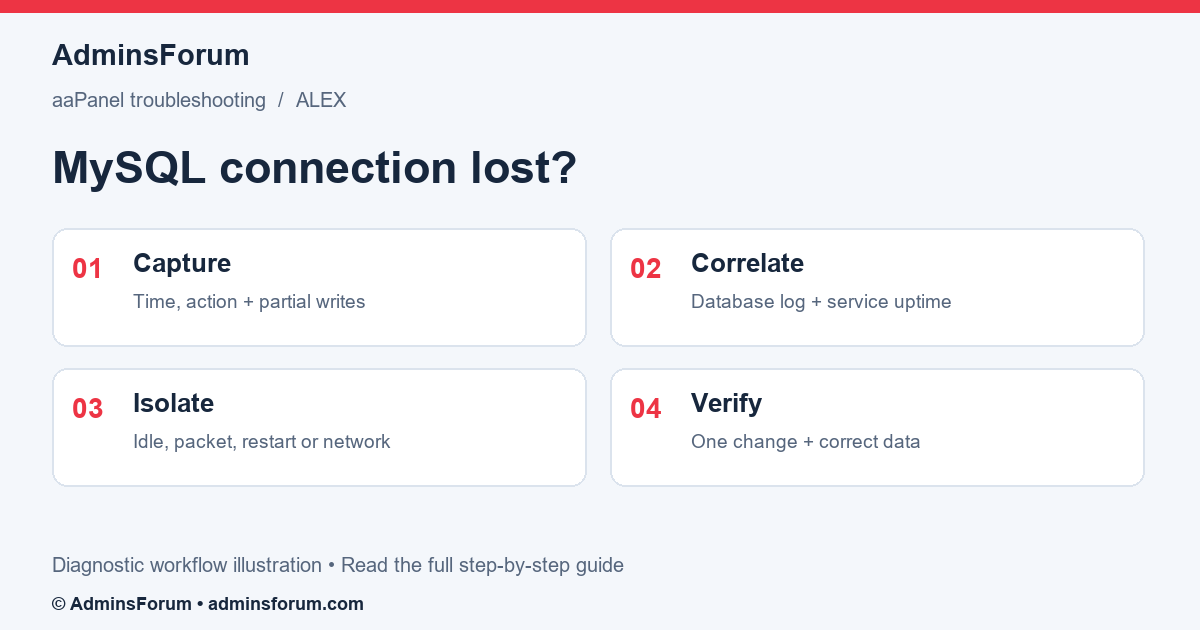
Original AdminsForum troubleshooting workflow. This is an explanatory diagram, not evidence of an outage or a completed repair on your server.
1. Preserve the evidence before restarting anything
Write down the time/timezone, application action, exact database error, whether this happened after an idle period or during an import, and the database version shown in aaPanel. Save the first relevant error and nearby context. An HTTP 500 page alone is not a database diagnosis.
Do not repeatedly run a failed import or checkout. A disconnected client can lose the response after a write has already committed. Check the resulting records or the application's job status before retrying.
2. Locate the database error log
Open App Store → Installed → MySQL/MariaDB → Settings → Logs, or the corresponding database service controls in your aaPanel version. Record the configured log path rather than assuming every installation uses the same filename.
In an authenticated database console, these read-only checks help establish the current state:
If your account cannot view a value, ask the administrator to run that specific check; do not grant it broad privileges just for this investigation. Use a short, redacted log excerpt from the incident time. If log_error is empty or points to stderr, inspect the service's configured logging destination.
3. Match the symptom to one branch
4. Check the connection's effective limits
Run from the affected connection when possible:
Save the values alongside your incident notes. A newly opened console is a new session and may not share the failed application's settings. An interactive console can also initialize differently from an application connection.
If this is a worker or scheduled job, note what work occurs between database operations. A worker that waits on a remote API can return to an expired connection. Configure connection health/recreation using the application's supported database library; creating a new connection is not a safe instruction to replay an unknown transaction.
5. Handle import failures carefully
Before changing configuration, keep a verified backup and test the import into a separate database. Record whether a partial import exists. Prefer controlled batches and a restore procedure that accounts for partial progress. Never upload a database dump to a public troubleshooting tool.
If the logs identify a packet-size problem, compare both sides and choose a bounded size appropriate to the largest necessary statement and available memory. Do not paste an arbitrary huge max_allowed_packet value into every server. Smaller batches can be preferable. A restart is not a substitute for determining the cause.
6. Investigate a database restart
A short uptime immediately after the incident is a useful clue, but it does not identify why the service restarted. In a bounded SSH check:
These commands show kernel events, current memory, disk capacity, and inode usage. Review timestamps; a current memory reading cannot prove the server's memory state during an earlier outage. If the kernel records an out-of-memory kill, address the workload and memory budget instead of only extending connection timeouts.
Do not delete database files, redo logs, or system files to recover space. Use a documented backup/retention plan and identify which filesystem is full first.
7. Apply one change, then verify the original action
Record the old setting, the exact change, how to reverse it, and whether a service reload/restart or new application connection is needed. Use the panel's supported controls and an appropriate maintenance window. Retest with a small disposable operation before a large production job.
Check the website, background worker, and fresh error logs. Success means the intended operation completed with correct resulting data, not just that the database service shows “running.” If it still fails, restore the change and compare the first new error with the original one.
Support checklist
Provide MySQL/MariaDB version, time of incident, local/remote connection, idle-versus-import pattern, uptime/log evidence, and the four settings above. Redact credentials, tokens, customer data, database dumps, and full sensitive SQL statements.
Related: separating PHP execution limits from database failures.
Technical reference: MySQL: server has gone away. For MariaDB, confirm equivalent behaviour and configuration against the documentation for your installed version before applying a MySQL-specific procedure.
Original AdminsForum troubleshooting workflow. This is an explanatory diagram, not evidence of an outage or a completed repair on your server.
1. Preserve the evidence before restarting anything
Write down the time/timezone, application action, exact database error, whether this happened after an idle period or during an import, and the database version shown in aaPanel. Save the first relevant error and nearby context. An HTTP 500 page alone is not a database diagnosis.
Do not repeatedly run a failed import or checkout. A disconnected client can lose the response after a write has already committed. Check the resulting records or the application's job status before retrying.
2. Locate the database error log
Open App Store → Installed → MySQL/MariaDB → Settings → Logs, or the corresponding database service controls in your aaPanel version. Record the configured log path rather than assuming every installation uses the same filename.
In an authenticated database console, these read-only checks help establish the current state:
Code:
SELECT VERSION();
SHOW GLOBAL STATUS LIKE 'Uptime';
SHOW GLOBAL VARIABLES LIKE 'log_error';3. Match the symptom to one branch
- After a long idle period: the application may be reusing a connection that the server already closed. Inspect the connection lifecycle and pool handling.
- During a large import or large individual statement: inspect client and server packet limits and the failing statement size.
- Several sites failed at the same time: correlate the database error log with service restarts, memory pressure, and the operating-system log.
- Remote database only: check the network path and client-side connection/read timeouts. Keep port 3306 private; opening it to the world is not a diagnosis.
4. Check the connection's effective limits
Run from the affected connection when possible:
Code:
SHOW SESSION VARIABLES LIKE 'wait_timeout';
SHOW GLOBAL VARIABLES LIKE 'wait_timeout';
SHOW SESSION VARIABLES LIKE 'max_allowed_packet';
SHOW GLOBAL VARIABLES LIKE 'max_allowed_packet';If this is a worker or scheduled job, note what work occurs between database operations. A worker that waits on a remote API can return to an expired connection. Configure connection health/recreation using the application's supported database library; creating a new connection is not a safe instruction to replay an unknown transaction.
5. Handle import failures carefully
Before changing configuration, keep a verified backup and test the import into a separate database. Record whether a partial import exists. Prefer controlled batches and a restore procedure that accounts for partial progress. Never upload a database dump to a public troubleshooting tool.
If the logs identify a packet-size problem, compare both sides and choose a bounded size appropriate to the largest necessary statement and available memory. Do not paste an arbitrary huge max_allowed_packet value into every server. Smaller batches can be preferable. A restart is not a substitute for determining the cause.
6. Investigate a database restart
A short uptime immediately after the incident is a useful clue, but it does not identify why the service restarted. In a bounded SSH check:
Code:
journalctl -k --since '15 minutes ago' --no-pager | tail -n 100
free -h
df -h
df -iDo not delete database files, redo logs, or system files to recover space. Use a documented backup/retention plan and identify which filesystem is full first.
7. Apply one change, then verify the original action
Record the old setting, the exact change, how to reverse it, and whether a service reload/restart or new application connection is needed. Use the panel's supported controls and an appropriate maintenance window. Retest with a small disposable operation before a large production job.
Check the website, background worker, and fresh error logs. Success means the intended operation completed with correct resulting data, not just that the database service shows “running.” If it still fails, restore the change and compare the first new error with the original one.
Support checklist
Provide MySQL/MariaDB version, time of incident, local/remote connection, idle-versus-import pattern, uptime/log evidence, and the four settings above. Redact credentials, tokens, customer data, database dumps, and full sensitive SQL statements.
Related: separating PHP execution limits from database failures.
Technical reference: MySQL: server has gone away. For MariaDB, confirm equivalent behaviour and configuration against the documentation for your installed version before applying a MySQL-specific procedure.
