



What is CloudPanel? A complete overview of the free hosting control panel
CloudPanel is a free, web-based server control panel for Debian and Ubuntu. It turns a fresh VPS or cloud server into a tuned web hosting server for PHP, WordPress, Node.js, Python, static sites and reverse proxies, all managed from a clean browser interface on port 8443. It's built for one job: running websites and web apps fast, with as little to configure as possible.
Every screenshot in this guide comes from our own test server: CloudPanel 2.5.4 on Ubuntu 24.04 (4 vCPU, 8 GB RAM), set up in October 2026.
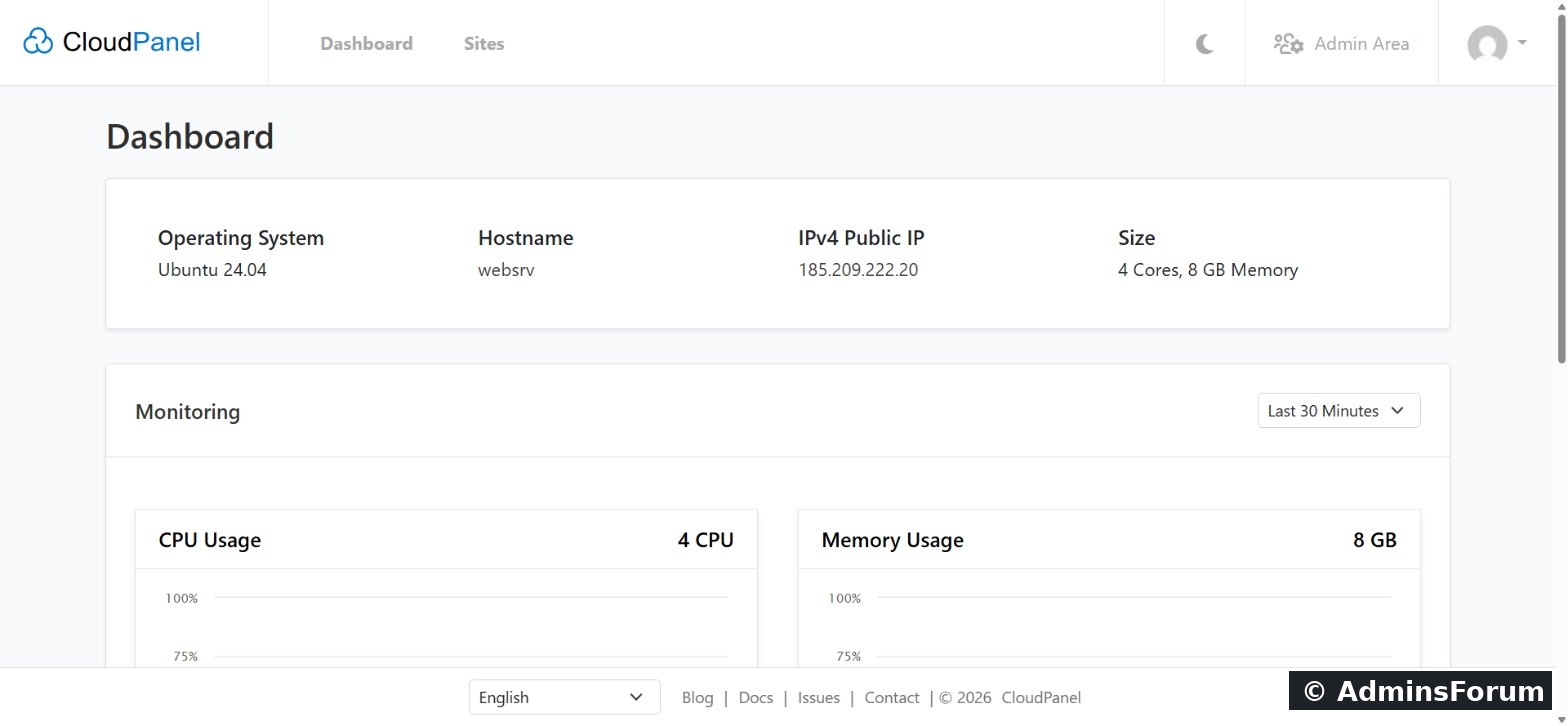
CloudPanel at a glance
What you can host
When you add a site, CloudPanel asks what kind of site it is and configures Nginx to match: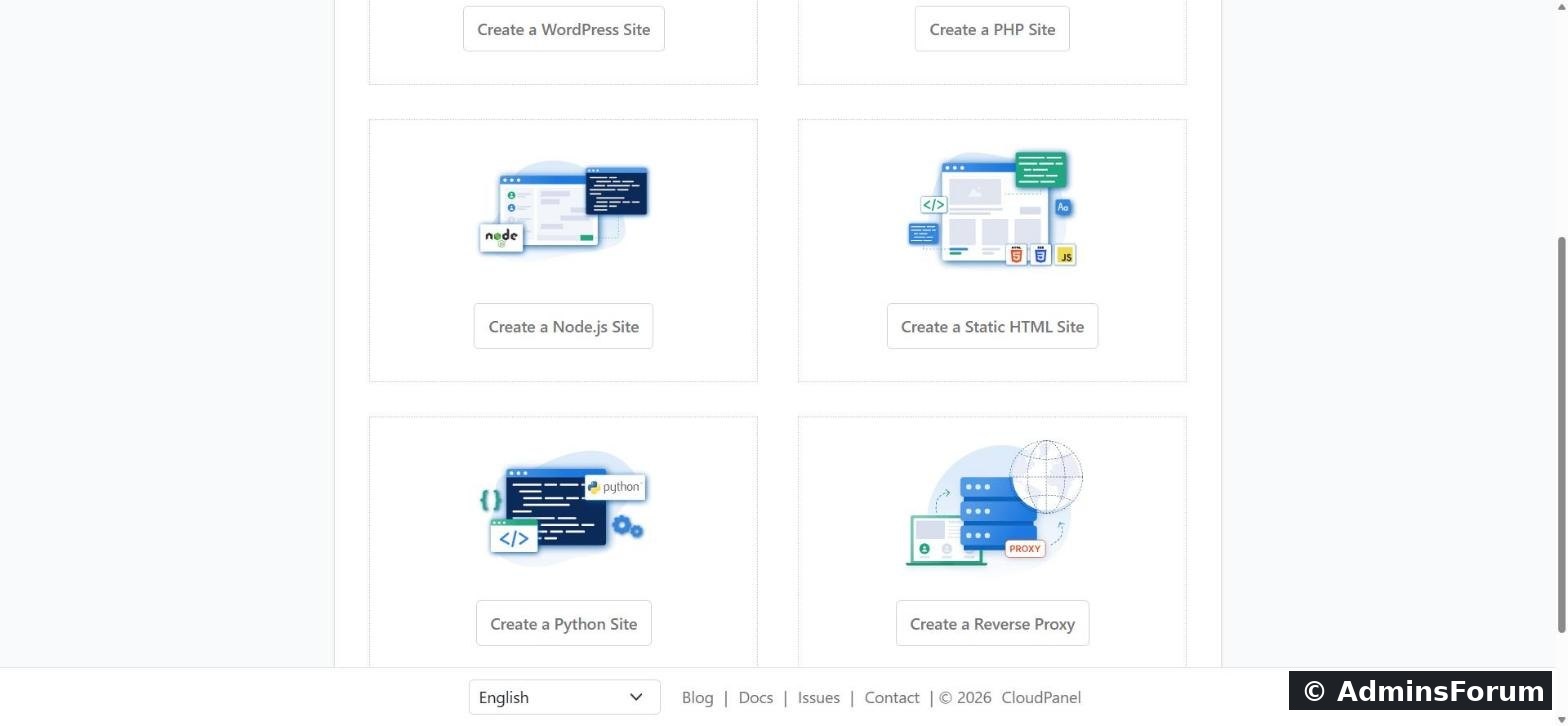
How CloudPanel works
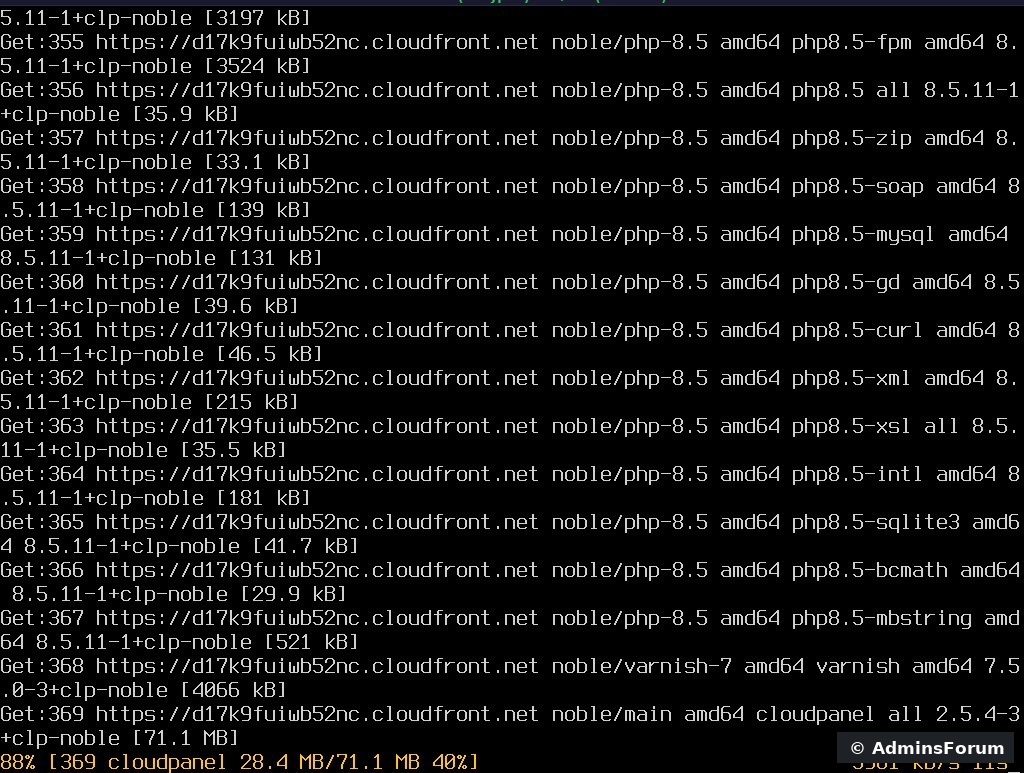
1. A complete, tuned stack out of the box. One installer sets up Nginx, PHP-FPM for every PHP version from 7.1 to 8.5, MySQL or MariaDB, Redis, Varnish Cache and ProFTPD. You don't choose or compile components; CloudPanel ships them pre-configured.
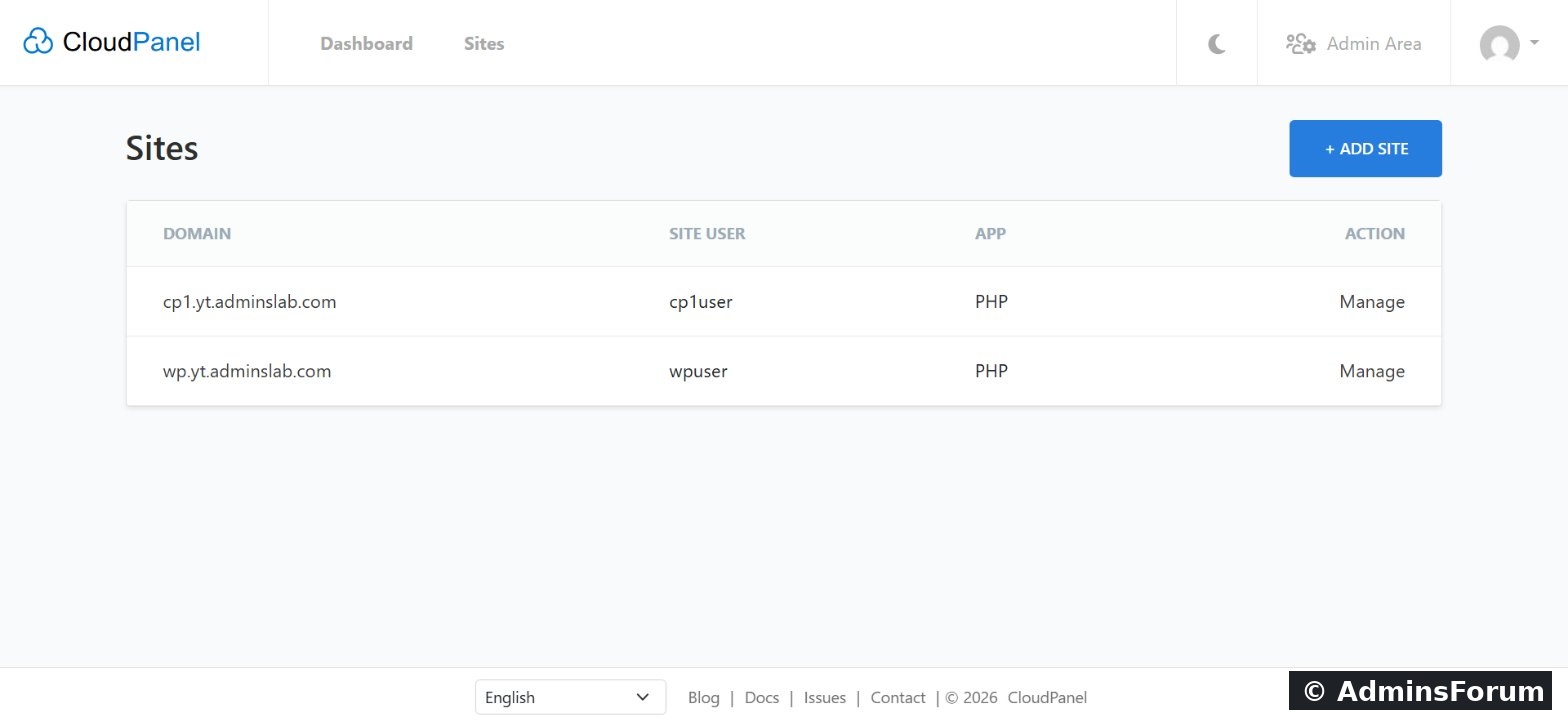
2. Every site is isolated. Each site gets its own Linux user (the "site user"), and its files live in
. One compromised site can't simply read another site's files.
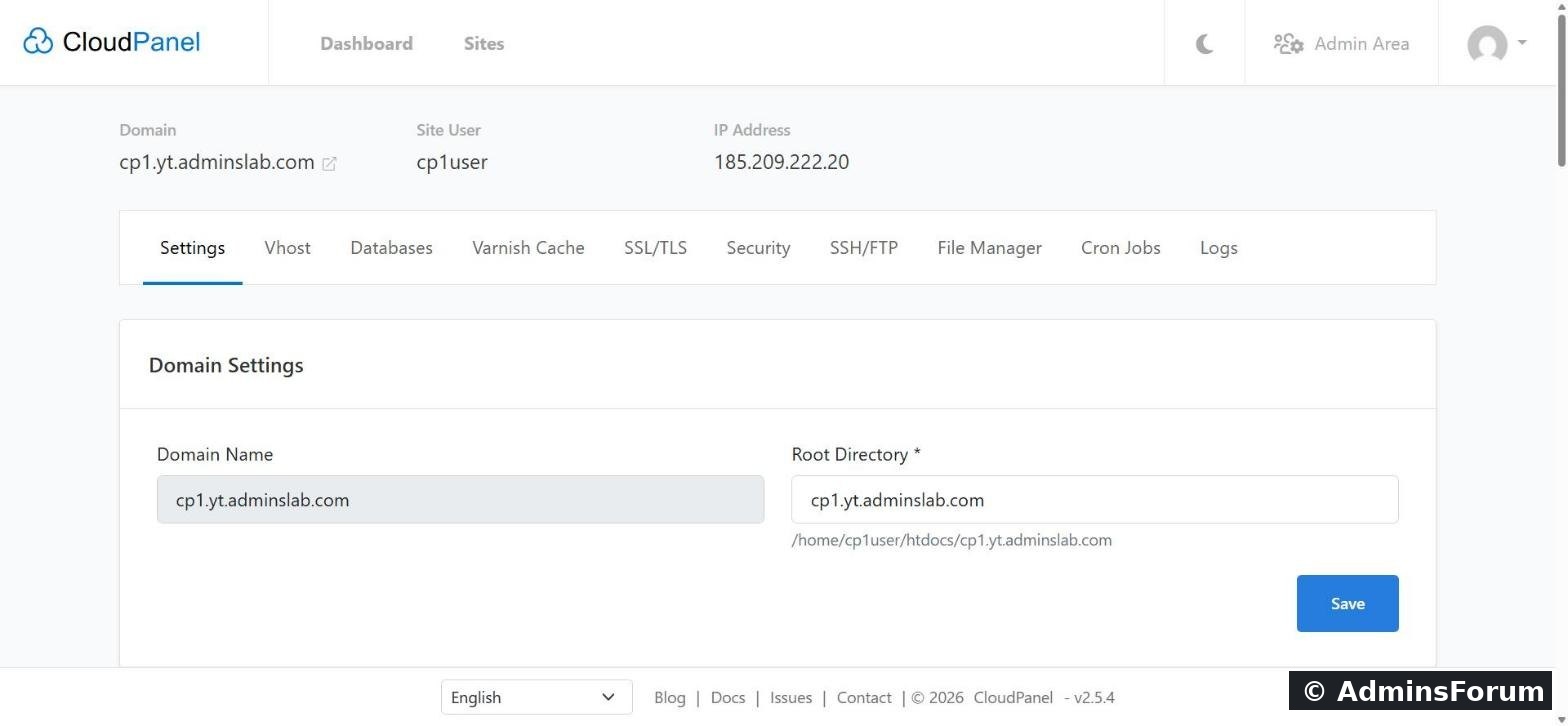
3. Everything about a site is on one page. Open a site and you get one row of tabs: Settings (domain, PHP version and limits), Vhost (the Nginx config), Databases, Varnish Cache, SSL/TLS, Security, SSH/FTP, File Manager, Cron Jobs and Logs.
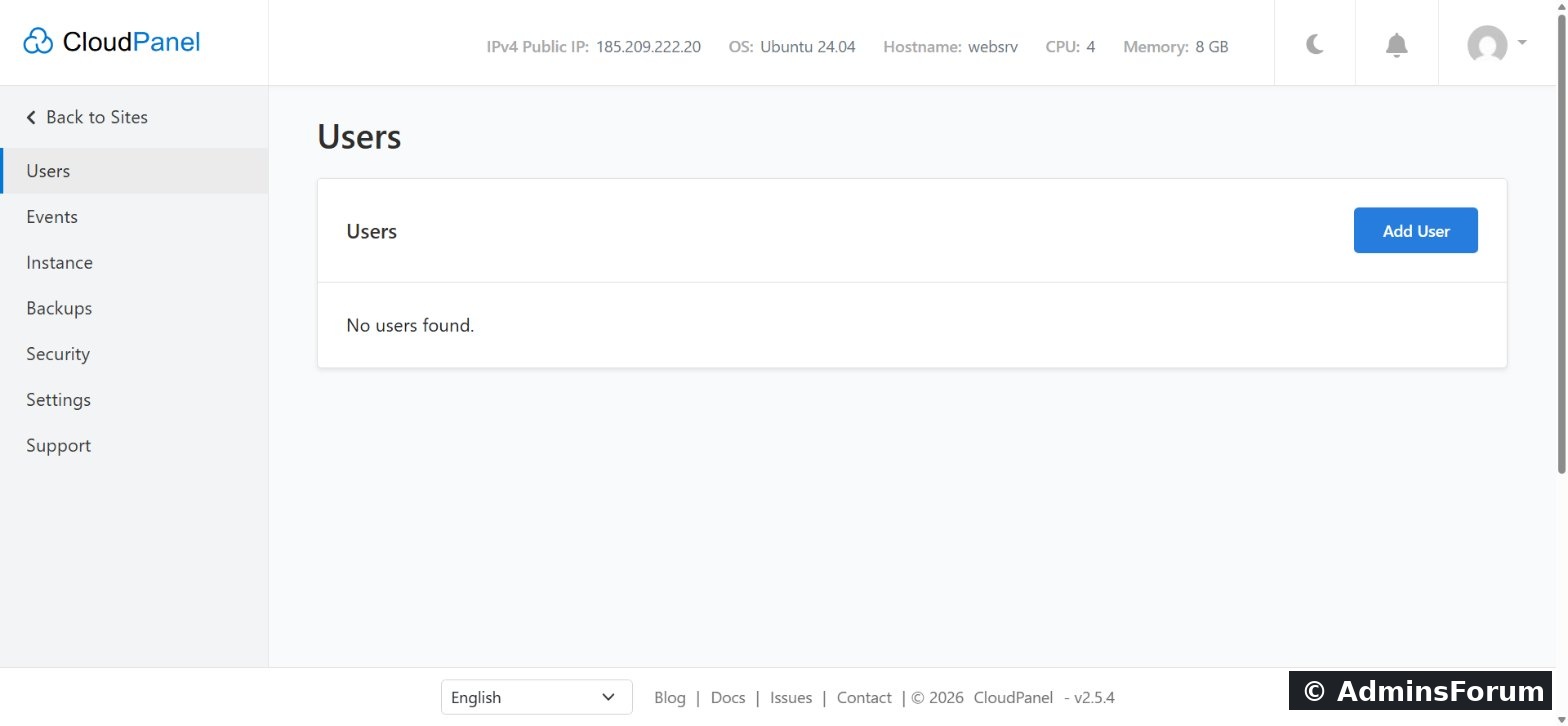
4. The Admin Area runs the server. Users and roles, an Events log, Instance (services and restarts), remote Backups, Security (firewall and Basic Auth) and Settings (custom panel domain and database servers).
5. A command-line tool too.
lets you add sites, databases, users and Let's Encrypt certificates from SSH, which is handy for scripts and automation.
Who CloudPanel is for
What CloudPanel doesn't do
CloudPanel is focused by design. Know these limits before you install:
Is CloudPanel right for you?
Choose CloudPanel if you mainly host websites and web apps and want speed, site isolation and a simple interface for free. If you need mail, DNS or many one-click apps on the same server, look at a broader panel; our CloudPanel vs aaPanel comparison in this forum covers that trade-off.
Learn more
Sources (checked October 2026): CloudPanel introduction · Technology stack · Requirements · Changelog
Questions about CloudPanel? Ask in CloudPanel Support & Troubleshooting.
CloudPanel guide series
CloudPanel is a free, web-based server control panel for Debian and Ubuntu. It turns a fresh VPS or cloud server into a tuned web hosting server for PHP, WordPress, Node.js, Python, static sites and reverse proxies, all managed from a clean browser interface on port 8443. It's built for one job: running websites and web apps fast, with as little to configure as possible.
Every screenshot in this guide comes from our own test server: CloudPanel 2.5.4 on Ubuntu 24.04 (4 vCPU, 8 GB RAM), set up in October 2026.
CloudPanel at a glance
- Price: free. There are no paid tiers for the panel itself.
- Current version: 2.5.4 (released 1 July 2026).
- Operating systems: Ubuntu 22.04, 24.04 and 26.04; Debian 12 and 13.
- Hardware: x86 and ARM64; at least 1 CPU core, 2 GB RAM and 10 GB disk.
- Web server: Nginx 1.30, with HTTP/3 and the PageSpeed module.
- Apps: WordPress, PHP, Node.js, Python, static HTML and reverse proxies.
- Panel address:
, or your own domain.Code:https://YOUR_SERVER_IP:8443
What you can host
When you add a site, CloudPanel asks what kind of site it is and configures Nginx to match:
- WordPress: a one-click install, ready to log in with no setup wizard.
- PHP applications: with ready-made templates for Laravel, Symfony, Magento, Drupal, Joomla, WooCommerce, Shopware, PrestaShop, Nextcloud, Moodle, TYPO3 and many more, plus a Generic option.
- Node.js apps (for example Ghost or Strapi) and Python apps, served through Nginx.
- Static HTML/CSS/JS sites.
- Reverse proxies to anything else running on the server, such as a Docker container.
How CloudPanel works
1. A complete, tuned stack out of the box. One installer sets up Nginx, PHP-FPM for every PHP version from 7.1 to 8.5, MySQL or MariaDB, Redis, Varnish Cache and ProFTPD. You don't choose or compile components; CloudPanel ships them pre-configured.
2. Every site is isolated. Each site gets its own Linux user (the "site user"), and its files live in
Code:
/home/SITE_USER/htdocs/YOUR_DOMAIN3. Everything about a site is on one page. Open a site and you get one row of tabs: Settings (domain, PHP version and limits), Vhost (the Nginx config), Databases, Varnish Cache, SSL/TLS, Security, SSH/FTP, File Manager, Cron Jobs and Logs.
4. The Admin Area runs the server. Users and roles, an Events log, Instance (services and restarts), remote Backups, Security (firewall and Basic Auth) and Settings (custom panel domain and database servers).
5. A command-line tool too.
Code:
clpctlWho CloudPanel is for
- Developers and agencies hosting several PHP, WordPress or Node.js sites on their own VPS.
- Anyone who wants a fast Nginx stack without configuring it by hand.
- Teams on AWS, Google Cloud, Azure, Oracle Cloud, DigitalOcean, Hetzner, Vultr or similar, including ARM servers.
What CloudPanel doesn't do
CloudPanel is focused by design. Know these limits before you install:
- No mail server. Use an external email service (Google Workspace, Microsoft 365, Zoho, etc.) and an SMTP service for sending.
- No DNS hosting. Manage DNS at your registrar or Cloudflare.
- No Apache or LiteSpeed. Nginx only.
- No app store or Docker manager. Run containers yourself and put a reverse-proxy site in front.
- Virtual machines only. LXC, LXD and OpenVZ containers aren't supported.
- Needs a clean server and at least 2 GB of RAM.
Is CloudPanel right for you?
Choose CloudPanel if you mainly host websites and web apps and want speed, site isolation and a simple interface for free. If you need mail, DNS or many one-click apps on the same server, look at a broader panel; our CloudPanel vs aaPanel comparison in this forum covers that trade-off.
Learn more
- CloudPanel features: the complete list
- CloudPanel system requirements (2026)
- The free CloudPanel Full Course video series in our Academy.
Sources (checked October 2026): CloudPanel introduction · Technology stack · Requirements · Changelog
Questions about CloudPanel? Ask in CloudPanel Support & Troubleshooting.
CloudPanel guide series
- What is CloudPanel? Complete overview (you are here)
- CloudPanel system requirements
- CloudPanel features: the complete list
- How to create a PHP site
- How to install free Let's Encrypt SSL
- How to install WordPress (one-click)
- Databases, users and phpMyAdmin
- SSH, SFTP, FTP and File Manager
- Cron jobs, logs and Varnish Cache
- Backups, firewall and Basic Auth
